AI-created generic aquarium scene; not Aquasky hardware or an app screenshot.
Check Fluval Aquasky 2.0 settings in three parts: the correct Bluetooth device, a saved daily schedule and any optional dynamic effects. A lamp that flashes or runs at an unexpected time is not automatically faulty. First establish which mode and clock it is using, and keep a copy of the profile before resetting anything.
The specified Aquasky 2.0 is the 18 W, 24–36 inch version, ASIN B07BBSRDPL. Current official specifications and FAQs cover its support in FluvalConnect; Aquasky 3.0 Wi-Fi features do not apply automatically. Independent plant-growth results have not been verified for this light.
Identify the hardware before editing Fluval Aquasky 2.0 settings
The official Aquasky 2.0 page identifies the selected US 18 W version as item 14532. Its mounting range is 24–36 inches, while the body dimensions are listed as 24 × 2 × 0.5 inches. Confirm the actual bracket and rim fit rather than treating the extended range as the fixture’s physical length.
Fluval describes white LEDs combined with RGB LEDs, programmable daily transitions and optional weather effects. These are control features, not proof that the light meets every plant or animal’s requirements. The product family also includes other lengths and wattages, so preserve the exact label in your equipment notes.
Before using Fluval Aquasky 2.0 settings from a screenshot, compare the fixture generation and app. A similarly named light may offer different hardware and controls. Check the supplied power adapter’s labeling and follow the model’s electrical instructions; a waterproof rating is not permission to improvise handling around water.
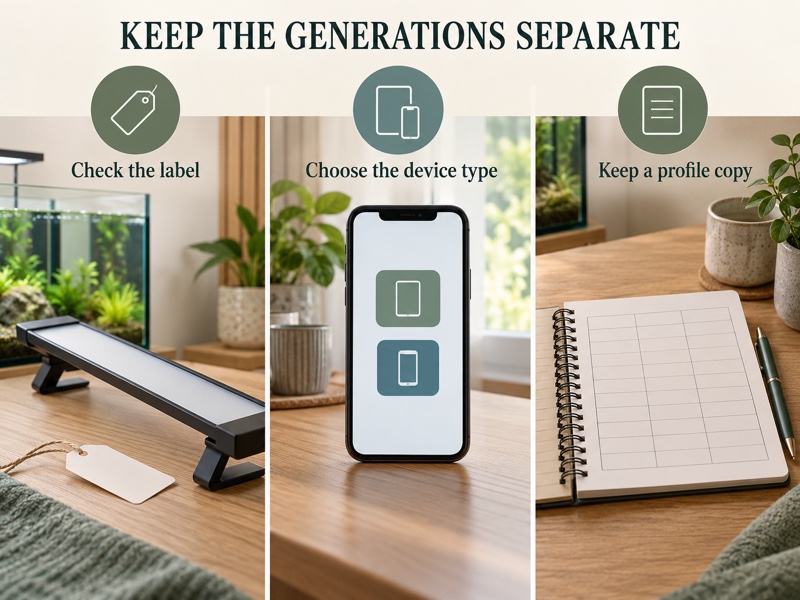
Choose the correct app and device type
The Aquasky 2.0 FAQ provides FluvalSmart instructions, while the current FluvalConnect FAQ confirms support for older Bluetooth lights. In FluvalConnect, add an older unit through the first-generation LED choice. That compatibility does not install Wi-Fi hardware in Aquasky 2.0.
For FluvalSmart, the manufacturer describes using the plus control to scan, selecting the box beside the light and confirming the choice. Its troubleshooting advice includes enabling Bluetooth and the phone’s relevant location services. Read the permissions and current app prompts on your own phone rather than following menu positions from another operating system.
If several lights appear, identify the intended one before editing. The older FAQ describes a Find function that flashes the selected unit. Do this deliberately and consider the aquarium’s occupants; do not repeatedly trigger effects simply to demonstrate the app.
Keep a separate profile record before changing phones. Fluval says first-generation light data in FluvalConnect is stored locally and is not restored merely by signing into the account on another phone. A screenshot or readable settings log is more useful than assuming the cloud behavior of a newer model applies.
Separate Fluval Aquasky 2.0 settings for timing and effects
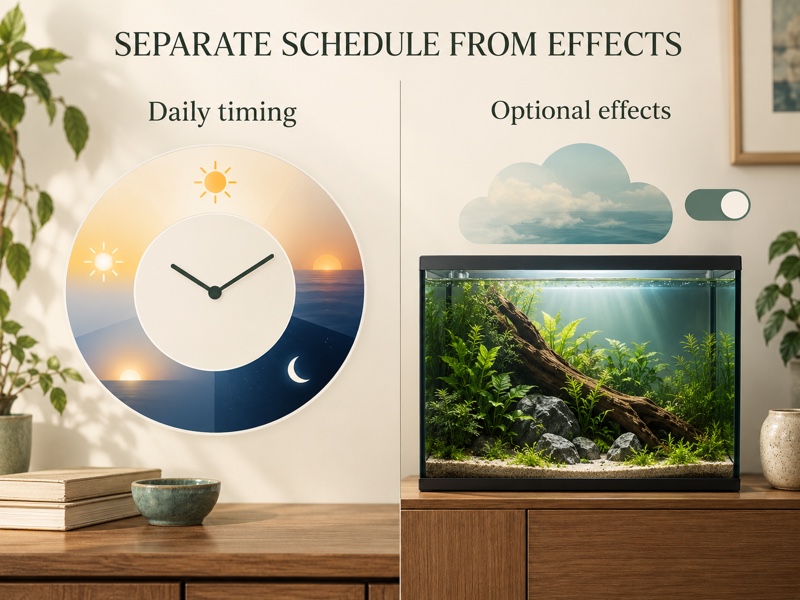
Build the ordinary daily schedule first. Write down when illumination begins, how the ramps behave, when the main period ends and what the night section does. Count the complete illuminated period, including low-output sections, instead of describing only the brightest plateau.
For live plants, Fluval’s FAQ mentions a typical 8–10 hour photoperiod but expressly notes differing species requirements. That general range does not establish a preset for your tank. Plant identity, depth, shading and the wider growing setup remain relevant, and a channel percentage is not a measurement at a leaf.
Keep optional effects separate from that baseline. Aquasky 2.0 includes simulated cloud and storm functions, but an enabled effect can also explain an unexpected visual change. Their presence is not a requirement to use them, and improved livestock welfare or plant growth has not been independently verified from using them.
| Control or check | Useful purpose | Boundary |
|---|---|---|
| Daily profile | Organize ramps, daytime and night | Not a universal plant-care schedule |
| White and RGB adjustment | Change the available light blend | Appearance does not prove adequate light for every species |
| Dynamic effects | Produce optional simulated weather | Can explain intentional intermittent flashing |
| Preview | Inspect the programmed sequence | Does not prove the clock is synchronized |
| Save and reconnect | Check the stored profile and mode | A screen change alone is not saved-state proof |
For predictable troubleshooting, begin with optional effects disabled and a documented profile. Reducing variables can help isolate a setting problem; it does not measure fixture performance or determine the aquarium occupants’ medical needs.
Save Fluval Aquasky 2.0 settings and inspect the result
FluvalSmart’s FAQ describes Preview as a compressed run-through of the daily profile and says to save after entries. Use the actual app’s controls, then reconnect and inspect the stored values. In FluvalConnect, follow the controls supplied for the first-generation device rather than borrowing a newer light’s screen layout.
- Confirm the fixture name, app and current mode.
- Copy the existing time points and channel values into your notes.
- Edit the intended schedule section without changing unrelated variables.
- Preview the sequence and save using that app’s instructions.
- Reconnect to confirm the profile and clock.
- Watch the next real transition at the aquarium.
A daily profile should also leave a deliberate dark period suited to the care plan. Do not assume a decorative blue night setting is the same as darkness. Ask for species-specific guidance if you are uncertain about the lighting needs of the aquarium’s occupants.
Keep one dated change log for Fluval Aquasky 2.0 settings. Record the reason for a change and what you observed afterward. If maintenance, feeding, plant placement and lighting all changed together, the next observation cannot reliably isolate the effect of one slider.
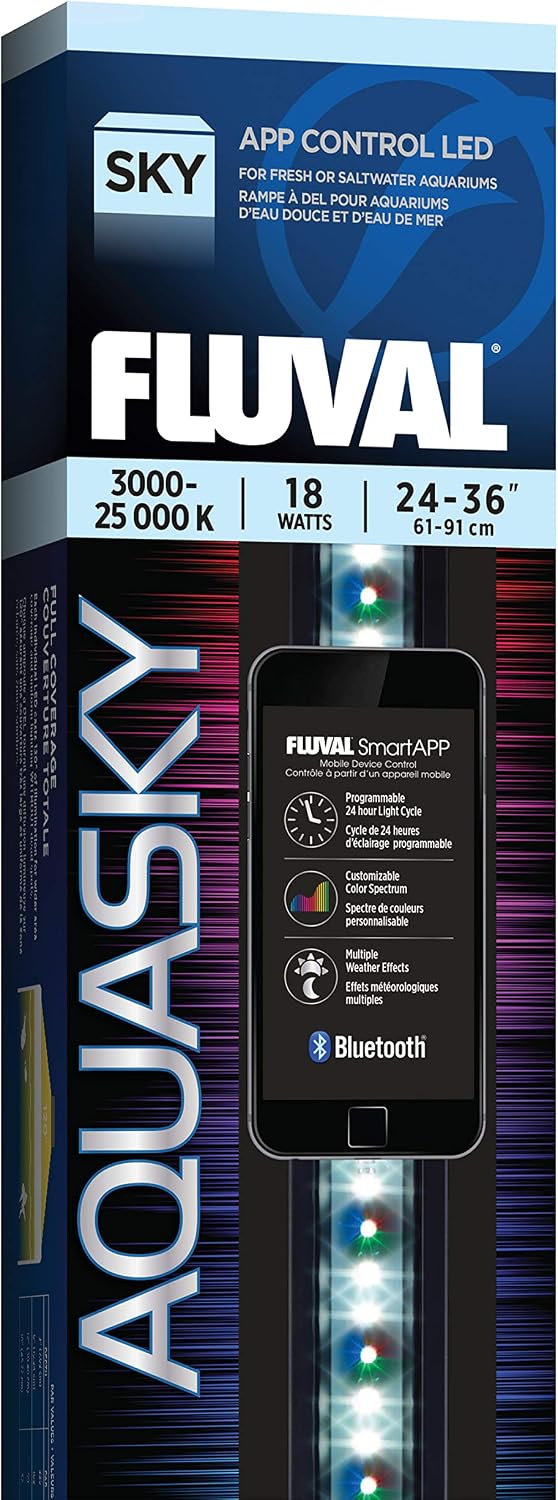
PRODUCT MENTIONED
Fluval Aquasky 2.0 Bluetooth LED, 18 W, 24–36 Inches
Amazon · Details on the retailer’s website
Troubleshoot unexpected Aquasky behavior before resetting
For intermittent flashing, the Aquasky FAQ first asks users to check whether Dynamic Effects are enabled and try disabling them. If that explains the behavior, the lamp may be executing a chosen effect. Persistent flickering outside that explanation still needs a separate check; it should not be dismissed as normal weather simulation.
If the light appears dimmer, Fluval advises checking the original profile and looking for deposits on the lens. Clean only according to the fixture’s instructions, with the required electrical precautions. Raising output to compensate for an obstruction can hide a maintenance issue and make later comparisons less useful.
If the schedule runs at the wrong time, check the clock, mode and external timer before rewriting the profile. The older Aquasky FAQ says Auto and Pro modes restart from midnight after a power loss and require a phone connection to reset the time. FluvalConnect’s first-generation guidance describes the same clock-reconnection requirement.
Recheck after daylight-saving changes as well. FluvalConnect’s automatic Wi-Fi time recovery for Aquasky 3.0 does not apply merely because an Aquasky 2.0 appears in the same app. Seeing the light turn on after an outage is not enough to establish correct schedule recovery.
For a connection problem, confirm power, Bluetooth and the correct device type, then follow the current official troubleshooting route. Preserve the profile before removing devices or reinstalling an app. If the issue persists, give Fluval the exact model, phone system, app, mode and observed behavior instead of guessing at a firmware fault.
Frequently asked questions
Can I use Aquasky 3.0 instructions for Aquasky 2.0?
Only where Fluval explicitly documents the same behavior for the older model. The selected 2.0 fixture is Bluetooth hardware. Do not assume Wi-Fi grouping, remote access or automatic network clock recovery from newer-generation instructions.
Are there ideal Fluval Aquasky 2.0 settings for every planted aquarium?
No universal percentages were verified. Different plants and layouts need different assessments. Save an identifiable baseline, record observations and seek suitable plant-care guidance. Decorative color adjustment does not prove measured light delivery or guarantee freedom from algae.
Must I buy a replacement if the lamp flashes?
First check the optional dynamic effects, as Fluval advises. If flashing remains unexplained, document it and follow the manufacturer’s troubleshooting instructions. An enabled effect and a hardware fault are different possibilities; neither should be assumed without checking.
Keep the profile and the hardware identity together
Useful Fluval Aquasky 2.0 settings are saved, traceable and checked at the aquarium. Identify the 2.0 fixture, separate timing from effects, verify the clock after interruptions and keep a profile backup. The pet care article library offers further equipment reading; keep each model’s instructions distinct.
If you are considering this size, view the Fluval Aquasky 2.0 Bluetooth LED, 18 W, 24–36 inches, ASIN B07BBSRDPL. Confirm the selected variant and adapter labeling. Existing owners can perform the checks above without buying another lamp.
Comments are reviewed before they appear publicly. Please keep questions and feedback relevant to this article.