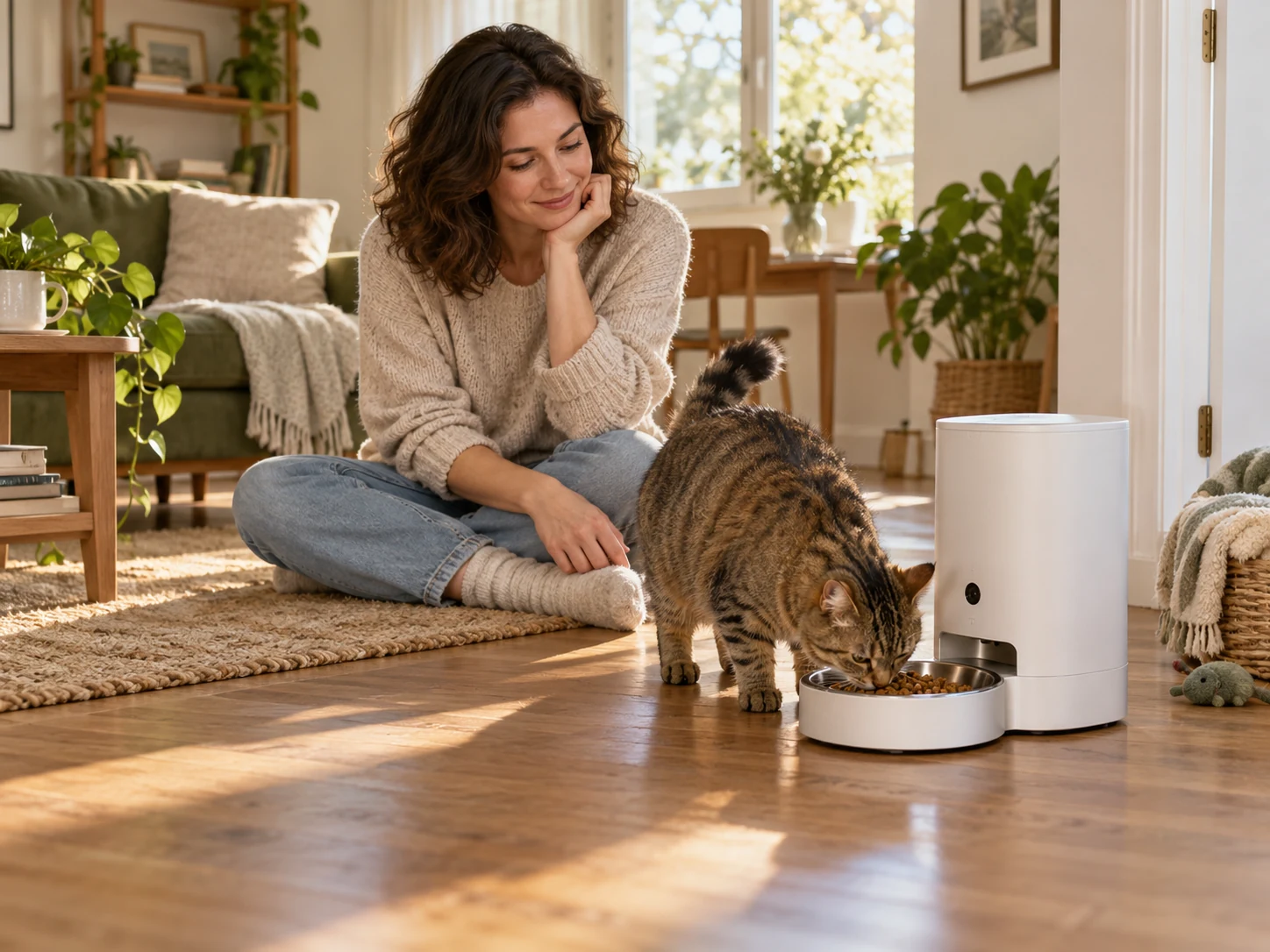
AI-created editorial scene: a person remains present beside a generic camera feeder. Not a product photo or test.
An automatic cat feeder with camera is worth considering when you need to see a scheduled dry-food meal arrive or check the bowl area remotely, and someone can respond if there is a problem. Skip the camera upgrade if dispensing alone meets your need. Video does not establish which cat ate a measured amount, restrict another pet’s access or add wet-food cooling.
The PETLIBRO Granary Smart Camera Feeder, model PLAF203, is one specific dry-food dispensing option. It combines timed dispensing with a bowl-facing camera, rather than identifying a particular cat or cooling wet food. Choose it around timed dry-food dispensing and meal-area visibility rather than unlisted functions.
| Your actual question | What PLAF203 can help with | What still needs another check |
|---|---|---|
| Did food arrive and did a pet approach? | A usable live view or recording of the bowl area. | Test the real camera angle, power and connection at home. |
| Did my particular cat eat the right amount? | Footage may provide context. | Measured dispensing, leftovers and direct observation; an open bowl does not identify or exclude a pet. |
| Do I only need timed dry-food dispensing? | Its scheduled dispensing role. | Decide whether a camera and recording setup add value before paying for them. |
| Do I need wet-food cooling? | Not a function of this dry-food model. | Choose a food-appropriate feeding and handling method. |
Decide what the camera needs to show
Start with the event you want to verify. Seeing food arrive, seeing a cat approach and seeing how much that cat actually consumes are different questions. A camera can help with the first two, while the third may still require direct observation and a measured feeding routine.
PETLIBRO describes a downward-facing 1080p camera with night vision and a 145-degree wide-angle lens on its Granary camera feeder page. Those specifications identify the intended view. They do not establish that every bowl position, cat posture and lighting condition produces a clear recording.
Before relying on the picture, try the actual installation while someone is home. Check the food outlet, the bowl’s eating area and the space where the cat stands. A larger cat’s head, another pet or a poorly placed object can hide the event you hoped to see. Keep the unit in its intended level, dry indoor location rather than tilting it to improve the shot.
Night vision is a viewing feature, not a promise that all details remain equally clear in darkness. Similarly, motion or sound alerts can draw attention to an event but are not a medical assessment, a precise intake measurement or proof of a particular animal’s identity.
Check whether PLAF203 fits the feeding job
The specified PLAF203 is a 5-liter dry-food feeder with a single stainless-steel bowl in the selected white configuration. Its original camera-equipped Granary identity should not be confused with the newer Granary 2 series promoted elsewhere on the manufacturer’s website.
| Check | PLAF203 evidence | Decision limit |
|---|---|---|
| Food | Dry kibble; manufacturer size range 2–15 mm | No canned, wet or moist food |
| Camera | 1080p, night vision, 145-degree lens | Verify actual bowl visibility |
| Network | 2.4 GHz and 5 GHz Wi-Fi listed | Check signal at the final location |
| Power | 5 V adapter; three alkaline D cells for emergency backup | Battery mode disables connected camera functions |
| Recording | Optional microSD or paid cloud service | Card, playback and subscription conditions matter |
Confirm the fully assembled footprint before choosing a shelf or narrow corner. Published dimensions differ between the current product page, manual and retailer fields, so they do not establish one reliable installed envelope. Ask for the complete bowl-attached measurements and leave room to refill, remove parts and keep the cord out of the route.
If that job matches your household, check the PETLIBRO Granary PLAF203 Automatic Cat Feeder with Camera on Amazon. Confirm the white single-bowl package and model before ordering. Do not transfer a dual-bowl package or another generation’s features to this option.
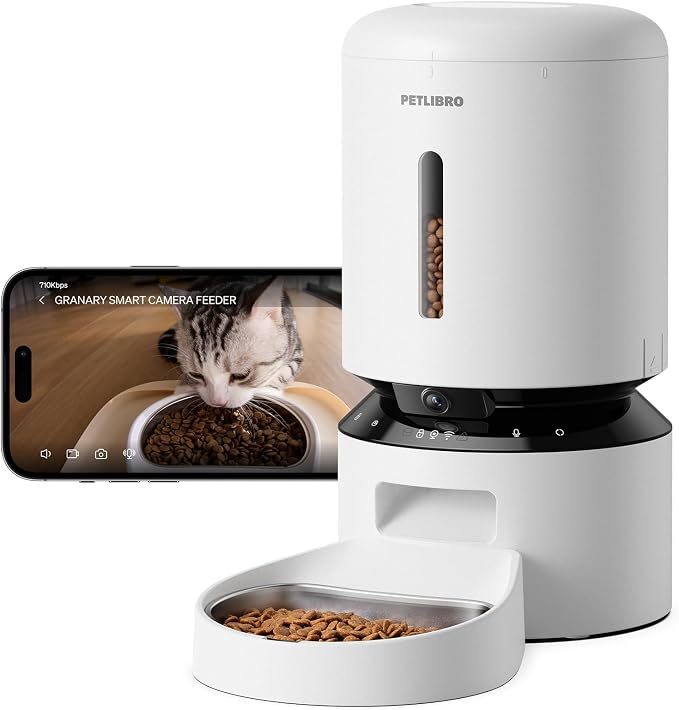
PRODUCT MENTIONED
PETLIBRO Automatic Cat Feeder with Camera, 1080P HD Video & Night Vision
Amazon · Details on the retailer’s website
Its useful combination is a scheduled dry-food dispenser and a view of the meal area in one place. Its limitations are equally concrete: it needs food that flows through the mechanism, routine cleaning, an operating power supply and appropriate connectivity for remote features. Feeding accuracy, camera security and long-term reliability have not been independently verified for this feeder.
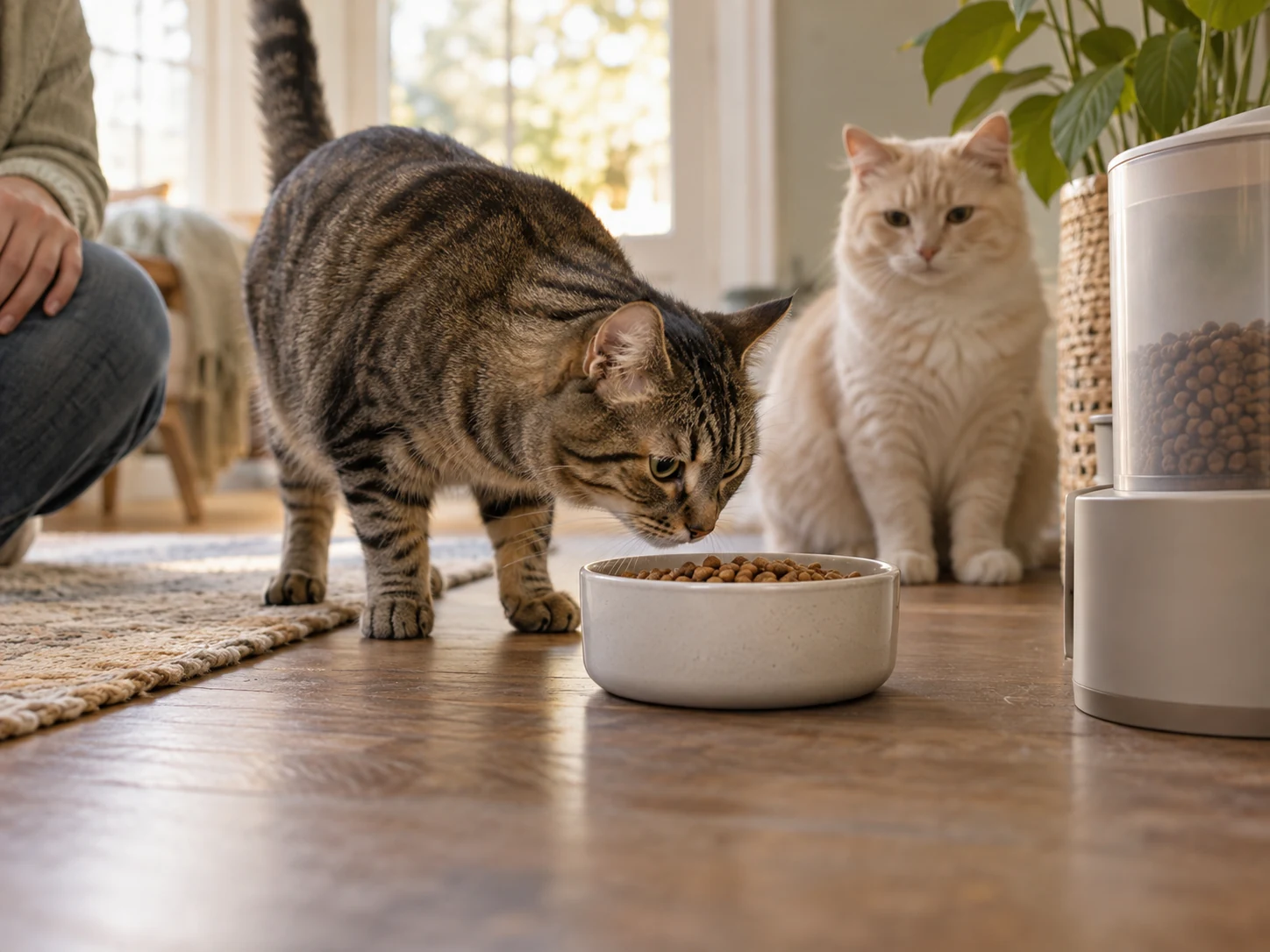
An automatic cat feeder with camera still needs portion checks
Choose the daily food amount separately from the machine’s portion setting. A portion is a dispenser increment, not a nutrition recommendation. The same volume can weigh differently with another kibble, so a setting copied from another household does not establish the right intake for your cat.
The matched PLAF203 single-bowl manual specifies dry food and the 2–15 mm range. It also notes that the first portions can vary and become almost even after approximately six dispensings. Treat the initial setup as a supervised check rather than immediately leaving the feeder in charge.
- Start with an appropriate daily ration. Use your cat’s current feeding plan and discuss health, weight or prescription-diet questions with the veterinarian.
- Test the actual kibble. Check its size and condition, and use the food that will normally go into the tank.
- Measure several dispenses. Use a separate clean container and an appropriate scale to see what the chosen settings deliver after the initial setup behavior.
- Distribute that daily amount. Set suitable meal times without treating more dispensing events as permission to add more food.
- Recheck after changes. A different food shape or formula is a reason to repeat the check, not assume an old setting remains equivalent.
Watch what remains in the bowl as well as what comes out of the feeder. A successful dispensing event cannot show that all the food was eaten, that no other pet took it, or that the cat received an appropriate daily energy intake.
Capacity is another separate measure. A 5-liter tank says how much the container is intended to hold, not how many safe unattended days it provides. Food condition, the cat’s needs, water, litter care and human checks all remain part of the arrangement.
Plan for power and network failures separately
Use the supplied 5 V adapter for normal operation, with the cord positioned as the manual directs. The manufacturer specifies three alkaline D batteries as an emergency backup, not the preferred everyday power supply. Batteries are not included, and PETLIBRO says not to use rechargeable cells for that backup.
The important trade-off is that battery mode preserves scheduled meals while disabling Wi-Fi, the camera, recording and reset functions listed in the manual. A feeder continuing to dispense does not mean that remote viewing or connected alerts remain available. Test the backup arrangement while you are there to observe it.
Network access is a different dependency. The PLAF203 product page lists both 2.4 GHz and 5 GHz Wi-Fi, but that does not guarantee a reliable signal in the chosen room. Complete setup with the correct PETLIBRO app and check the feed from the intended location before treating it as dependable remote visibility.
When the video is unavailable, avoid repeatedly sending extra food just to see whether the device responds. Establish who can check the home and confirm the bowl, food supply and animal directly. A camera feeder can support a care plan; it does not replace a person who can respond when something goes wrong.
Separate live viewing, local recording and cloud history
Ask which feature you actually need. A live view is useful for checking the current bowl area, while stored footage helps review an event later. Cloud storage is a separate service with terms and recurring costs; it should not be assumed to come permanently with the hardware.
The current single-bowl manual specifies a separately purchased microSD card with 16–256 GB capacity and Class 10 speed or above. It directs owners to format the card in the app and enable recording there. PETLIBRO also says the card’s video files are viewed through the app’s Replay section rather than read directly on a computer or phone.
The product page presents optional Video Cloud plans and says each feeder needs its own subscription. Compare the current retention, download and cancellation terms at the time you decide. Subscription prices and included features can change.
| Option | Additional purchase or recurring cost | Important dependency |
|---|---|---|
| Live view | No Video Cloud plan is required for the core live-video feature described by PETLIBRO. | Normal power and a usable connection; this is not stored cloud history. |
| Local replay | A compatible microSD card is a separate purchase. | Follow the matched manual for card preparation and app replay; do not assume direct computer playback. |
| Video Cloud history | An optional paid plan; the current Granary page requires a separate subscription per feeder. | Confirm the exact history, billing interval, renewal and cancellation terms for your model and account. |
| Emergency battery operation | Three specified alkaline D cells, separately purchased. | Scheduled meals can continue, but Wi-Fi, camera and recording are disabled. |
Choose the least additional service that answers your question. Confirm the billing interval as well as the amount: PETLIBRO’s Granary product page and its camera-feeder support FAQ use inconsistent price-period labels. Check the actual service checkout before committing to a recurring charge.
Treat the feeder as a connected indoor camera
Positioning the camera toward a bowl reduces some incidental viewing, but a lens direction is not a security guarantee. Think about people passing through the room, spoken conversations and what a shared account can see or control.
The FTC’s guidance for connected cameras recommends checking encryption, keeping camera and app software updated, using strong unique passwords and securing the home network. It also recommends looking for two-factor authentication where available and reviewing sharing permissions.
Use those as questions for PETLIBRO’s current app and account settings. Do not assume the PLAF203 has a particular security control just because the FTC recommends it for the category. Before sharing access, check whether the other person can only view footage or can also change meal settings.
Keep access limited to the people who need it, remove access when the arrangement ends and protect the phone used to control the device. A cloud feature marketed as secure is not an independent audit of your installation or account.

Keep food handling and cleaning in the routine
Remove the convenience argument if the feeder makes regular food and bowl care harder. Follow the matched manual when removing parts, empty the tank before taking it apart and disconnect power before cleaning. The electronic feeder base must not be immersed.
The FDA’s pet-food handling advice calls for clean hands, washed bowls and measuring utensils, and dry food stored in a cool, dry place. Keep the original food packaging so the remaining supply and its identification are not reduced to an anonymous container of kibble.
Fill a clean, dry feeder with an appropriate amount for the routine you can actually maintain. A sealed lid or desiccant does not establish sterility or indefinite food life. Check the food, outlet, bowl and desiccant according to the product instructions, and discard spoiled food safely.
If wet-food refrigeration is the actual need, this model is the wrong mechanism. The PETLIBRO Polar wet-food guide addresses a different feeding system. Do not put wet food into the Granary to imitate it.
Frequently asked questions
Can I tell exactly how much my cat ate from the video?
Not reliably from the camera specification alone. Food can be obscured, left behind or eaten by another animal. Use measured dispensing and direct observation to establish the routine. New appetite changes or uncertainty about an individual cat’s intake deserve appropriate attention, rather than interpretation from a short clip.
Does the camera still work during a power outage?
The manufacturer’s battery-backup description says scheduled meals continue, while Wi-Fi, camera and recording functions are disabled to conserve power. Install the specified emergency batteries and test the actual arrangement. Do not assume a powered dispensing mechanism means you still have a live view or remote alerts.
Does every feeder need a cloud subscription?
Cloud history is optional rather than automatically permanent. The current product page distinguishes live access, SD-card recording and paid cloud plans. Review the exact available features and terms for your account and model. PETLIBRO says a separate Video Cloud subscription is needed for each feeder using that service.
Can the PLAF203 keep wet food fresh?
No. It is a dry-food feeder, and the matched manual excludes wet, moist and canned food. A camera and a sealed hopper do not add refrigeration. Choose a feeding method designed for the actual food and its handling requirements rather than adapting this dry-food mechanism.
Choose visibility you can act on
An automatic cat feeder with camera makes sense when the bowl view answers a useful question and someone can respond to a problem. The PLAF203 combines scheduled dry-food dispensing with a downward-facing camera, but its value depends on compatible kibble, measured portions, routine cleaning and a usable connection.
Before buying, check the exact single-bowl model, decide which recording features you need and understand the loss of connected functions on battery backup. Then complete supervised meal and camera checks at home. If you need individual pet access control, wet-food cooling or proof of exact intake, this camera feeder alone does not establish those capabilities.
View PETLIBRO Automatic Cat Feeder with Camera, 1080P HD Video & Night Vision on Amazon.
Comments are reviewed before they appear publicly. Please keep questions and feedback relevant to this article.