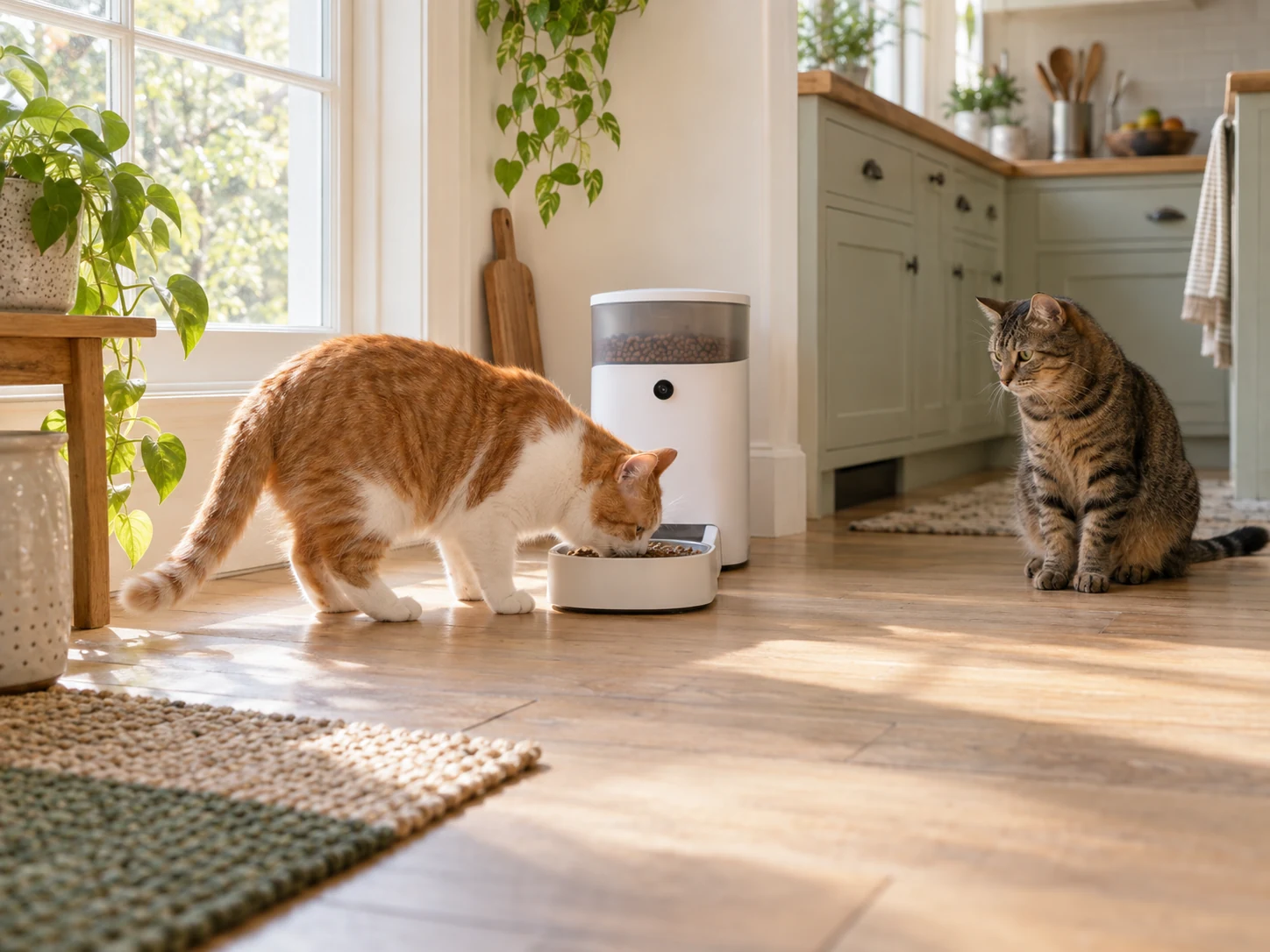
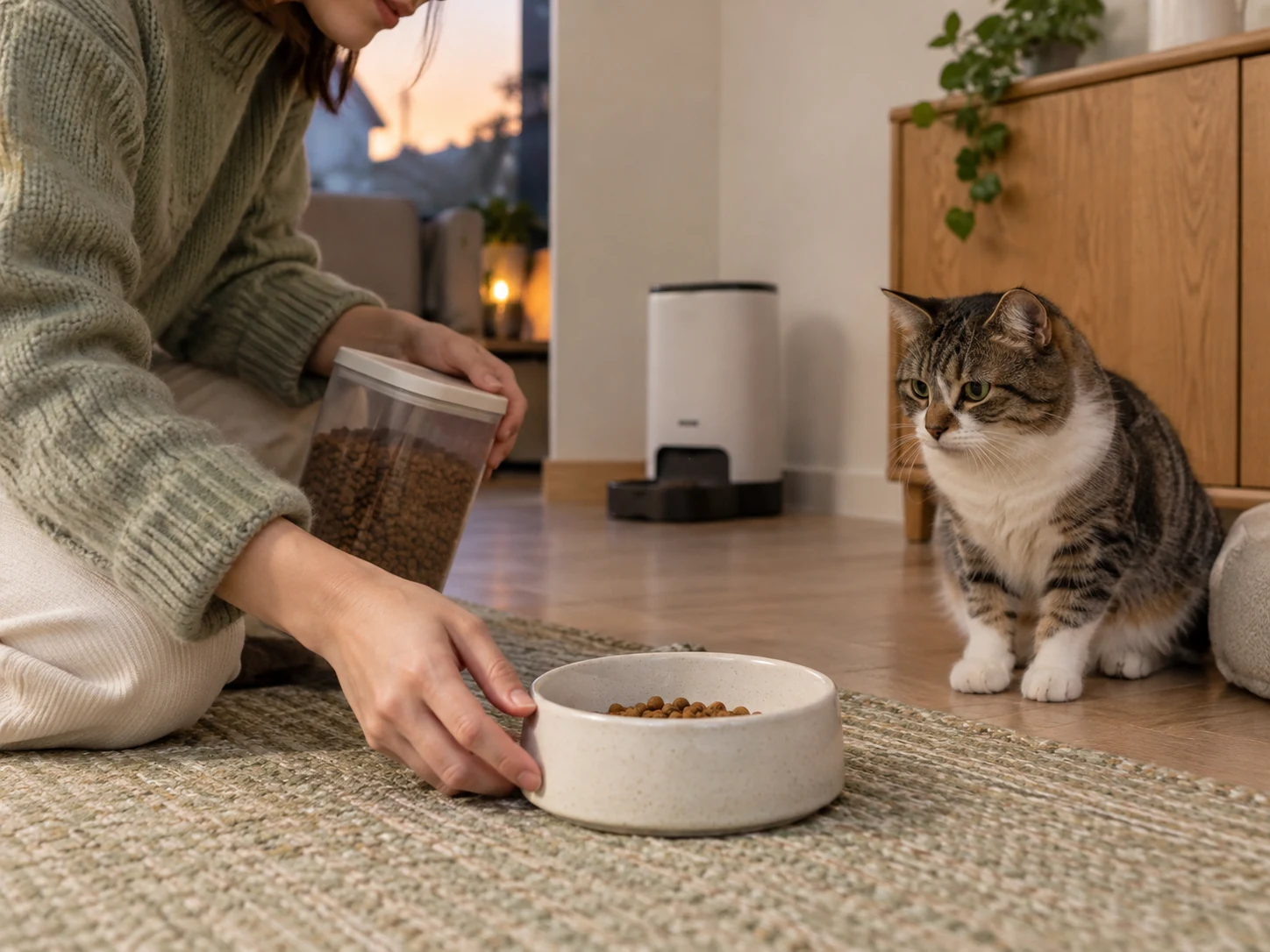
AI-created multi-cat feeding scene with a generic open-bowl camera feeder. It is not a PETKIT product photo or a demonstration of recognition accuracy or controlled access.
A cat feeder with face recognition can help organize feeding-area records by pet. It does not automatically keep another cat out of an open bowl, prove exactly how much each animal ate or replace direct checks when appetite changes.
The selected PETKIT YumShare Solo 2 combines scheduled dispensing with camera-based pet recognition. Consider it for reviewing events, rather than as a verified selective-access feeder for separate medical diets.
Choose a cat feeder with face recognition for a defined job
Start with the question you need answered. Identifying a visitor, recording a dispensing event, estimating food left in the bowl and preventing food theft are different jobs. A system can label a recording without controlling physical access to the meal.
PETKIT’s YumShare Solo 2 page describes facial recognition for up to 15 pets, individual eating records and a camera view. These are manufacturer feature claims. Recognition accuracy, including similar-looking animals and different positions or lighting, has not been independently verified for this unit.
If another cat must not eat a particular food, establish a suitable access arrangement first. The cited product information does not establish a pet-specific lid or barrier on this open-bowl Solo 2. Recognition records alone do not create that function.
| Needed result | What the feature can help review | What remains unproved |
|---|---|---|
| Which pet visited | A labeled camera event | Perfect identification of every visit |
| Whether food dispensed | The outlet and meal-area recording | That the intended cat ate the food |
| What remains in the bowl | The manufacturer’s camera-based bowl-status feature | A calibrated individual intake measurement |
| Separate diets | Information to support human observation | Physical exclusion of another pet |
| A concerning appetite change | A record to discuss with the care team | A diagnosis or a reason to postpone veterinary advice |
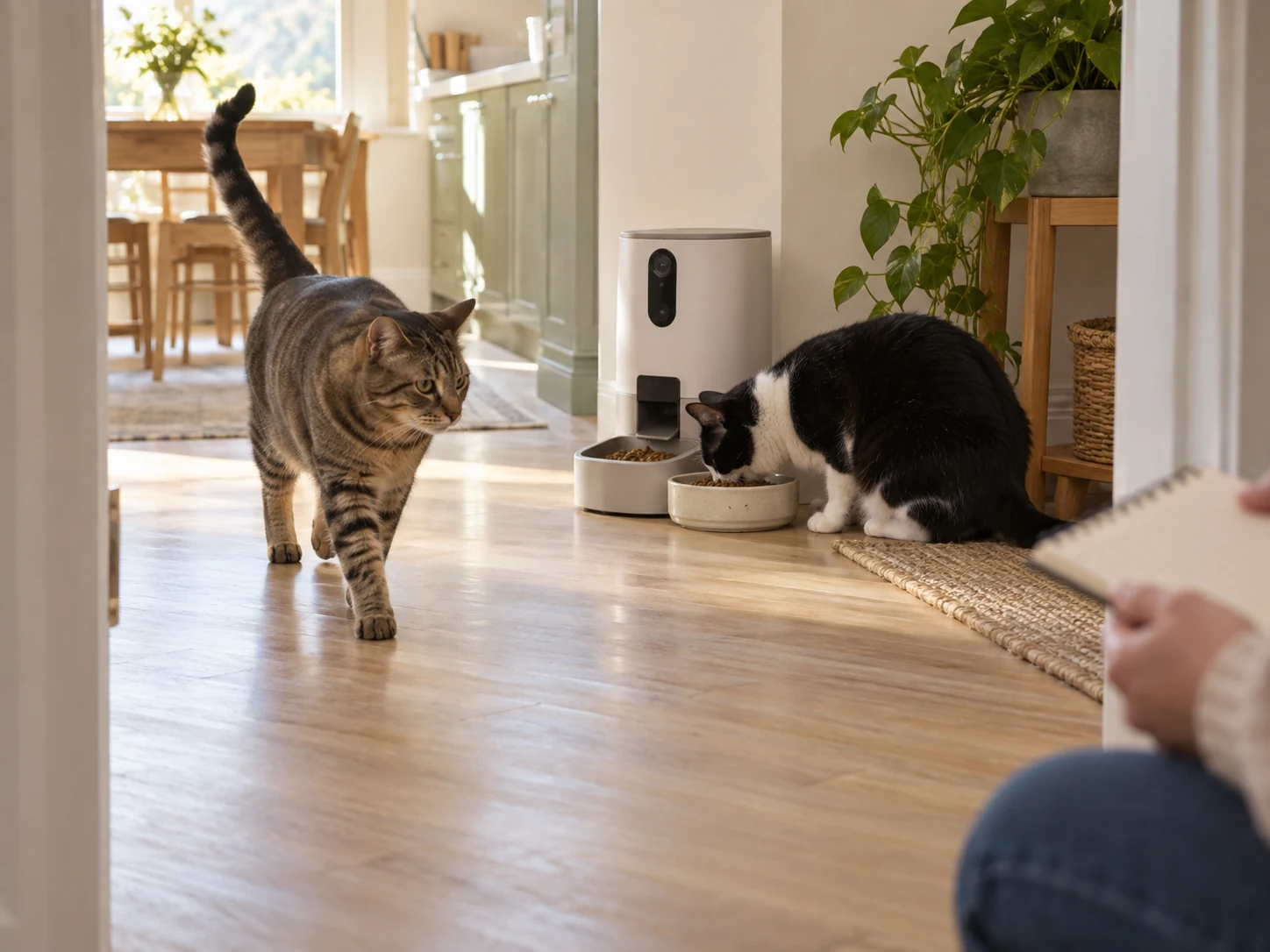
The selected Solo 2 and its model references
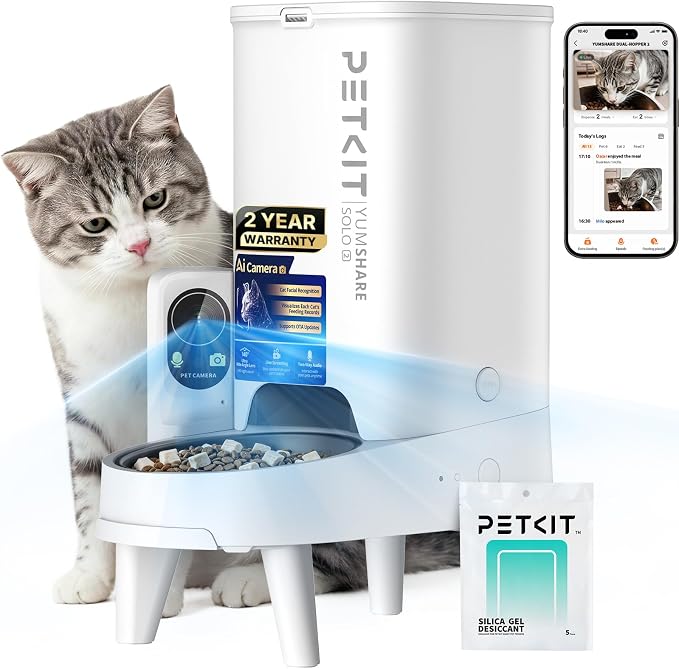
The specified Amazon product is the PETKIT YumShare Solo 2 camera feeder, white with a single 3-liter hopper, ASIN B0GSYQ95J1. Its retailer model field says D4H-2.
PETKIT’s manual-download page links the Solo 2 to a D4H-2 document. That matching English manual names YumShare Solo 2 and lists P572 in its specification table. Retain both source-specific identifiers instead of silently treating a different family member as the selected product.
For a household that wants camera-organized feeding records and can manage the open bowl, check the PETKIT YumShare Solo 2 white 3L single-hopper feeder on Amazon. Confirm the delivered Solo 2 package, adapter and instructions.
PRODUCT MENTIONED
PETKIT YumShare Solo 2 Camera Feeder — White, 3L Single Hopper
Amazon · Details on the retailer’s website
The practical features to assess are scheduled dry-food dispensing, a meal-area camera, pet-event labels and app controls. Its limitations include shared bowl access, power and network dependencies, food compatibility, cleaning and potentially paid recording services.
Independent identification, dispensing and reliability results have not been verified for this model. The brand’s photos, promotional app screen and capacity claims do not establish what a particular multi-cat household will experience.
Review recognition events against the actual cats
A cat feeder with face recognition needs a supervised introduction, even when the app presents an event as confidently labeled. Watch the actual animal and compare its approach with the corresponding record before relying on a history.
Check whether the camera sees the face and bowl when the cat stands normally. Another animal, a turned head or an unsuitable location can make the event harder for a person to review. Do not tilt the device or place it high to improve the picture; the manual requires a level indoor placement and warns against a high location.
The manual’s Pet Matching section also provides a way to manually match an event to a pet. Review that function in the current app. A label you or the software assigned should remain distinguishable from an independently confirmed feeding observation.
Keep records useful by checking the whole event rather than one thumbnail. Did food arrive, which animals approached, was the bowl obscured and what remained afterward? If the record cannot answer the question, keep it uncertain instead of counting it as a verified meal.
New appetite changes, persistent food avoidance or uncertainty about a cat receiving its necessary diet need appropriate attention. A recognition log can support a conversation; it does not establish a medical explanation or guarantee that competition at the bowl is harmless.
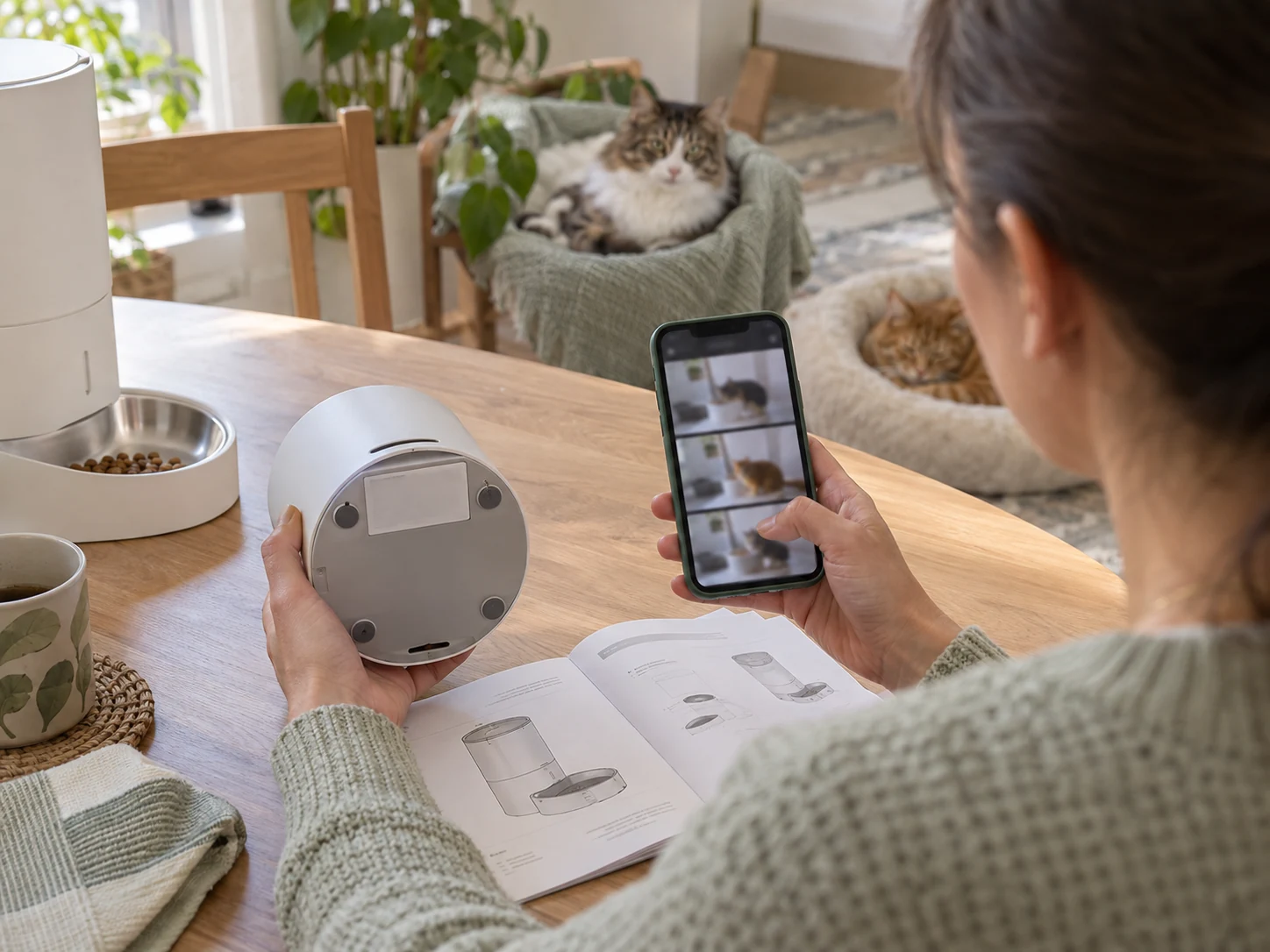
Cat feeder with face recognition: portions versus identity
The manual recommends kibble no larger than 12 millimeters and freeze-dried food no larger than 9 millimeters. The product FAQ excludes wet food. Those are mechanism-compatibility references, not evidence that every food of the stated size will dispense identically.
Choose the cat’s daily food amount through its established feeding plan. Then measure supervised test dispenses of the actual food with an appropriate scale. Repeat the check when the food changes rather than assume a portion setting always represents the same weight.
The current product page gives inconsistent portion ranges between its specification and FAQ sections. Those conflicting figures do not establish one reliable number of portions or grams. Check the delivered instructions and current app, and resolve an unclear control before relying on it.
The manufacturer’s bowl-status feature is also different from measuring each cat’s consumption. A before-and-after view can support observation without proving which animal ate a missing amount. Keep that limit visible when reviewing a multi-pet history.
Check recording services before buying for history
The manual separates live view, event information and stored clips. It says some fuller playback functions require PETKIT Care+ Cloud Service, while the product page notes that certain services require in-app purchases.
Review the current feature list, retention and service terms for your account and device. Do not assume every facial-recognition, video or historical-data function is permanently included with the hardware. The manual’s interface examples are version-dependent.
Decide which record you need before choosing a service: a current view, an event image, a full clip or a longer history. Test that actual function. A timeline containing entries does not by itself confirm that the footage you need can be played or retained.
The Granary camera-feeder guide explains the more general distinction between bowl visibility and confirmed intake. The Solo 2 adds the manufacturer’s recognition claim, but that does not remove the need to verify an individual meal.
Plan power interruptions without a runtime promise
The matched manual specifies five AAA alkaline batteries, purchased separately, and a 6V/2A adapter. It says to use the original adapter and to check battery condition. Install and maintain the backup according to those instructions.
PETKIT’s web copy conflicts: one section describes built-in backup, another lists AAA cells and a FAQ mentions four D batteries. The matched manual’s illustrated five-AAA arrangement provides the relevant reference for this Solo 2. Do not borrow the D-cell instruction or promise a fixed backup duration.
The web page says the camera is disabled in battery mode, while the manual notes the camera indicator is off in that mode. Do not assume camera-dependent recognition and remote viewing remain available because dispensing continues. Test the actual interruption behavior while someone is home.
Keep a caregiver able to check the cat, food and equipment directly. A nominal 3-liter hopper and a scheduled-meal history do not establish a safe unattended absence. Power, connectivity and a person who can respond remain separate parts of the plan.
Include the connected camera in your privacy checks
The manual provides camera on/off, scheduled monitoring periods, microphone control and a blurred home-screen live view. Turning the camera off removes video capture; blurring an app preview is a different control.
The FTC’s connected-camera guidance recommends researching encryption, updating camera and app software, using unique passwords, securing the network and checking two-factor authentication where available. Apply those as questions to the current PETKIT account and app rather than assume every recommended control exists.
Review the room the camera can see and hear, plus anyone with shared access. Check whether another user can only view records or can also change feeding settings. PETKIT’s encryption claim is a manufacturer statement, not an independent security audit.
Keep the hopper and bowl-care routine workable
The manual separates removable food-path parts from the main unit. It says not to immerse the main unit, to use a soft cloth or sponge rather than harsh tools inside the hopper, and to let cleaned parts dry completely before reassembly. Follow the matched illustrations rather than treating the complete camera feeder as washable.
The FDA’s pet-food handling advice calls for clean hands, washed bowls and measuring utensils, and dry food stored in a cool, dry place. Keep the original packaging for the remaining food supply and its identification.
A sealed hopper and desiccant do not establish sterile food or a fixed safe storage period. Inspect food, the outlet, bowl and device condition within an actual care routine. Pause use for damaged parts, a power problem or an unresolved dispensing fault.
Frequently asked questions
Does face recognition stop another cat eating?
No selective-access mechanism is established for this open-bowl Solo 2. Its recognition feature organizes records; it should not replace a suitable way to separate diets or prevent unwanted bowl access.
Does a labeled visit prove the cat ate its portion?
No. A visit, a dispense and consumption are different events. Review actual feeding and measured output. Treat uncertain labels or obscured footage as uncertain, especially when a particular animal’s intake matters.
Which backup batteries should I plan for?
The official manual linked for D4H-2 specifies five AAA alkaline batteries. The product page contains different battery descriptions, so use the matched delivered instructions and obtain clarification if the physical unit differs.
Choose recognition records you can check and act on
A cat feeder with face recognition is most useful when its records answer a specific observation question and someone can respond to a problem. Confirm the exact Solo 2, verify event labels against real feeding and keep portion checks separate from identification.
The selected PETKIT model is one option for that task, with an open-bowl limitation, a defined food mechanism and ongoing power, service and cleaning requirements. If the actual need is exclusive access, medical intake control or care during an unattended absence, recognition alone does not establish a solution.
View PETKIT YumShare Solo 2 Camera Feeder — White, 3L Single Hopper on Amazon.
Comments are reviewed before they appear publicly. Please keep questions and feedback relevant to this article.